
Why Choose a Watermark-Free Video Editor?
When you create content for social networks, you need the end result to be professional and without distractions. The automatic watermark that many applications add decreases the visual quality and conveys the impression of an amateur job.
Editing videos on mobile has become essential: TikTok, Instagram Reels and YouTube Shorts move billions of monthly views. Having a tool without watermark allows you to publish directly from the phone with professional-grade finishing, without needing computer or expensive software.
The good news is that there are completely free apps that offer advanced features, real-time editing and high-quality export.In this guide, we will explore the best options, their main features and how to use them effectively.
The Best Mobile Tools Available
CapCut: The Gold Standard of the Mobile Edition
CapCut is practically synonymous with watermark-free video editing on mobile. Developed by ByteDance (same company as TikTok), the app offers an intuitive interface that even beginners can master in a few minutes.
Features include clip cutting and splitting, speed adjustment, smooth transitions, professional filters and even artificial intelligence to remove background automatically. Export quality reaches 4K, and the app is available for both iOS and Android. The strong point is the background removal tool: just select the object you want to keep and CapCut eliminates everything in the background with amazing accuracy.
Works best in: fast projects, content for social networks, integrated audio editing. Average time to master: 1 to 2 days.
InShot: Versatility and Creative Effects
InShot combines video editing with photo editing and collage creation in a single app.It is particularly strong on transition effects and animated stickers that give a modern touch to the content.
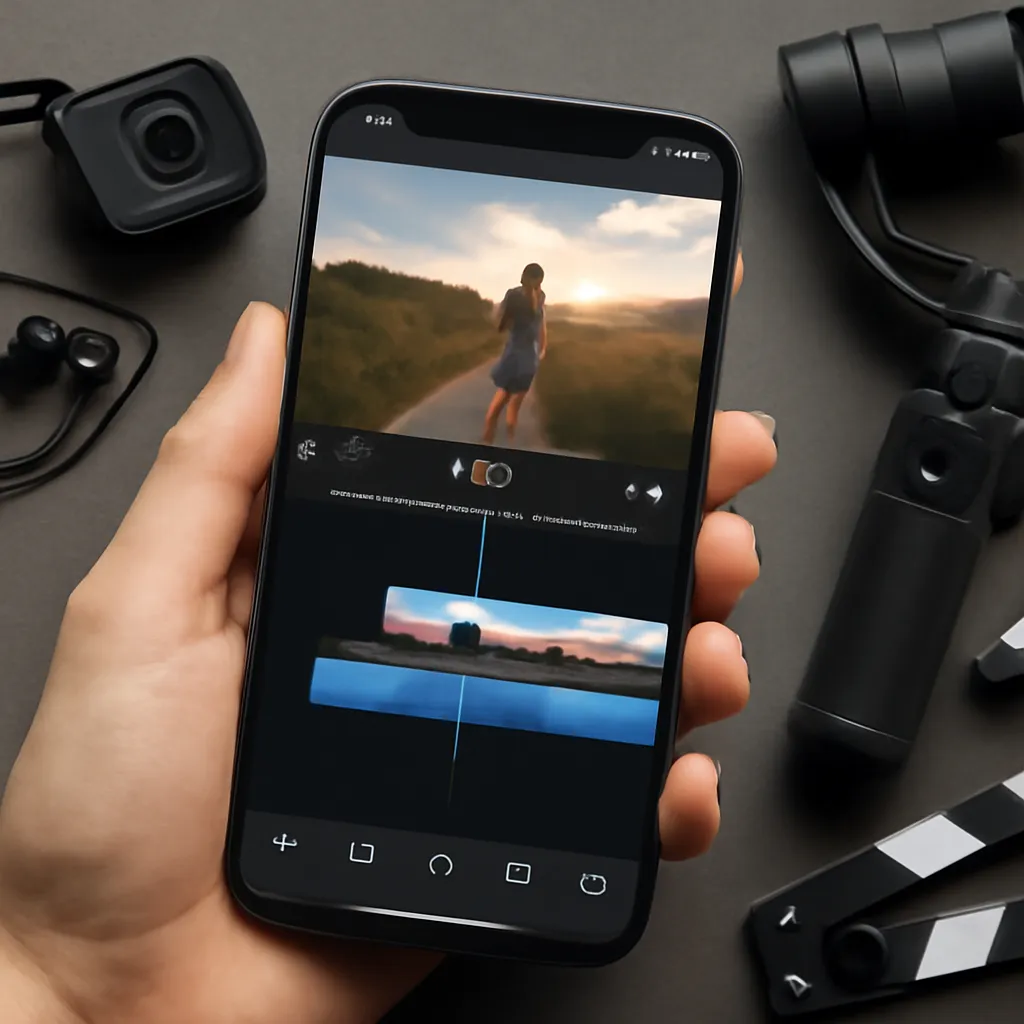
The royalty-free music library is extensive, with thousands of tracks categorized by genre and duration.You can dub, add voices in off and sync audio accurately.The app also lets you work with different proportions (16:9, 9:16, 1:1), essential for adapting content between platforms without unnecessary cuts.
Ideal for: content creators with a focus on visual aesthetics, creators of Reels and TikToks. It offers premium version, but the free one is very complete.
FilmRoll: Simplicity Without Compromising Quality
If you find CapCut too complex, FilmRoll offers a minimalist approach without sacrificing features.The app is designed for maximum performance, even on older or low-memory phones.
Supports multi-format video import, frame-by-frame editing, advanced color adjustment, and direct export to social media. One difference is speed: FilmRoll processes exports significantly faster than most competitors, saving battery and data.
Best for: low-resource mobile users, professionals who need to render lots of videos quickly.
Essential Resources to Look For
Export Without Native Watermark
The most important criterion is the guarantee that the application does not add automatic logo. Many free tools (such as Filmora and WeVideo) add brand even in the free version. Check the export setting before choosing: look for options of